The Ultimate Payment Terminal Integration
Accept card payments at the front desk, bill saved cards on file automatically, and keep card data off your systems. Precision engineering for the modern gym.
Vetted as an ISV. Integrated with GoDaddy.
GymPoint is an approved GoDaddy partner and independent software vendor (ISV). We built our integration with GoDaddy's payment platform, connecting GymPoint's gym management software with GoDaddy's payment infrastructure.
GymPoint provides your membership, billing, and front-desk software. GoDaddy Payments provides the payment platform, including merchant underwriting and risk reviews under its merchant terms. GoDaddy works with processors and banking partners to process and settle payments.
Accept Every Payment
You can also accept cash and payments through Cash App or Venmo and manually record them in GymPoint, including on the Free plan. Receive those payments separately, then record them in GymPoint.
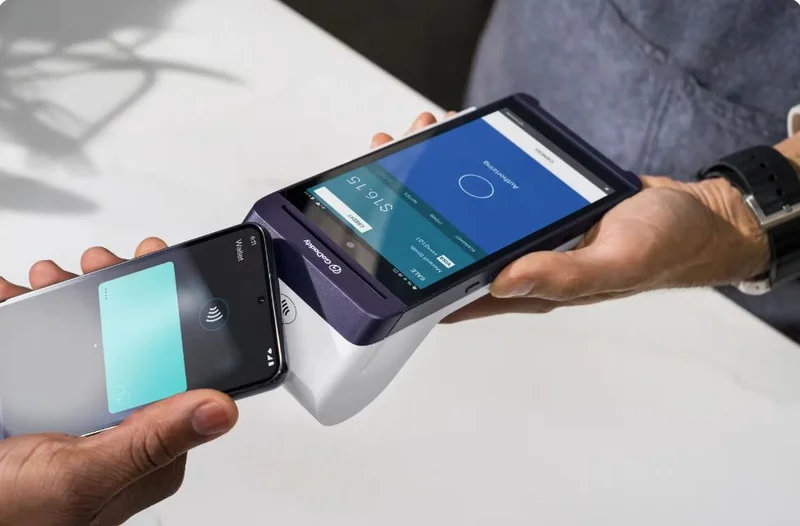
Tap to Pay
Accept Apple Pay, Google Wallet, and all contactless EMV cards. NFC-powered transactions complete in seconds for a fast, seamless checkout experience.
EMV Chip
Secure EMV chip processing for Visa, Mastercard, American Express, and Discover, with PIN debit support. Card data is encrypted at the terminal on every card-present transaction.
Magstripe
Full magnetic stripe support ensures backward compatibility with older cards. No member gets turned away - every card type works at your front desk.
Two Rates. Zero Surprises.
Processing is built right into GymPoint - no monthly fees, no PCI fees, no statement fees. Just one honest rate on the transactions you actually run.
Card-Present
Tap, dip, or swipe on your Poynt terminal - the everyday rate for payments you take at the front desk.
That's the whole price.
Card-Not-Present
Card-on-file billing, online member payments, and manually keyed transactions.
That's the whole price.
The same rate for every card brand - Visa, Mastercard, American Express, and Discover.
Effortless Card Enrollment
Stop paper forms. Save a member's card for recurring billing from their profile, or let members add it themselves in the member portal.
Initiate on Dashboard
Staff selects 'Add Payment Method', then 'Add Card', in the GymPoint member profile.
Secure Card Form
Card details go into the secure GoDaddy Payments card form, not into GymPoint.
Or Member Self-Service
Members can add their own card on the portal's Payment Methods page.
Instant Tokenization
Card data is securely encrypted and converted into a unique token.
Ready for Billing
Member is now set up for automated monthly membership dues.
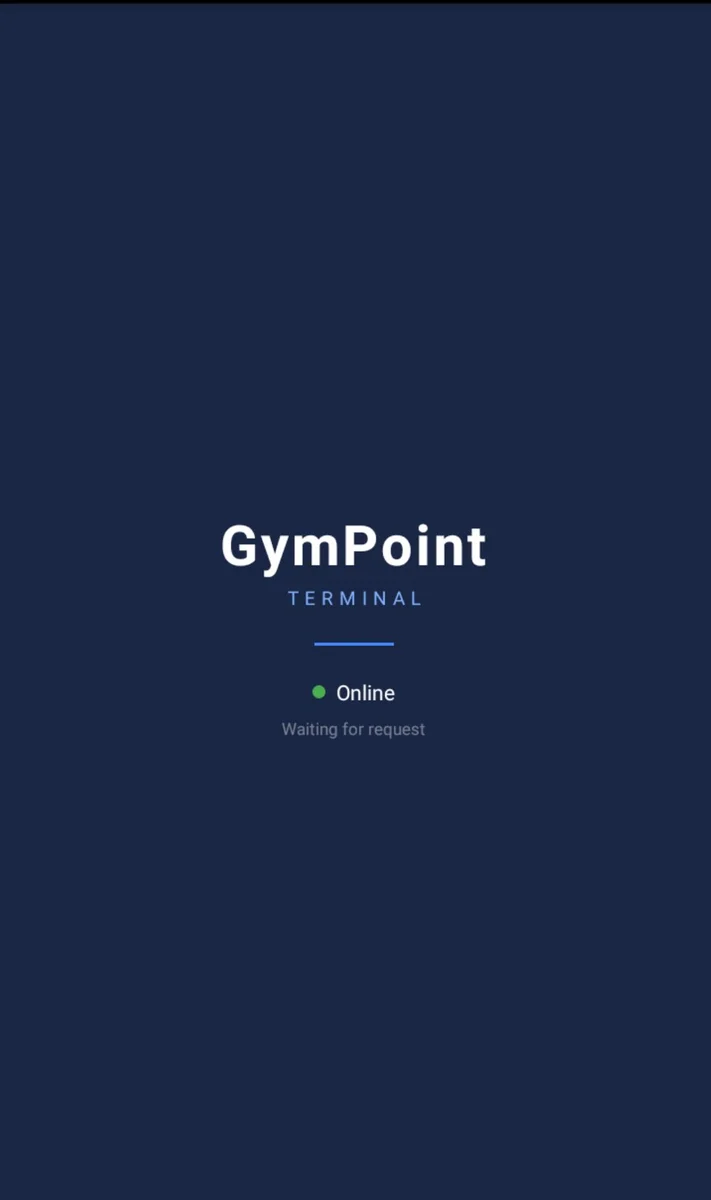
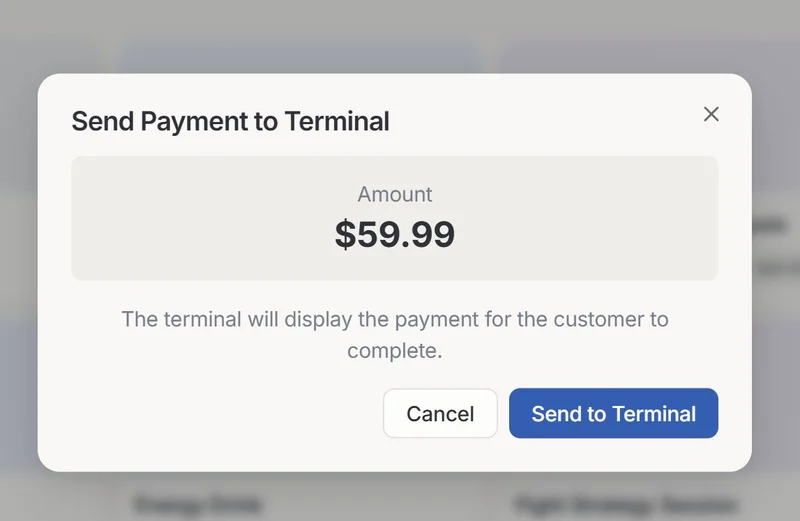
Send to Terminal Flow
One click on your computer sends the exact amount to the terminal. No more double-entry errors or manual reconciliation.
Keep Your PCI Scope to a Minimum
Terminal-Level Encryption: Sensitive data is encrypted the moment the card touches the Poynt hardware.
Cloud Tokenization: Saved cards are stored as secure tokens, so card numbers are never kept on your computers.
Dramatically Simpler SAQ: Drastically simplify your compliance paperwork with GoDaddy Payments' certified architecture.
Payment infrastructure from GoDaddy
GoDaddy documents underwriting, fraud monitoring, and account reviews as part of its payment services. These controls help manage payment risk; they do not remove a gym's responsibilities for disputes or guarantee approval, uninterrupted service, or a fixed payout time. See our partnership guide and GoDaddy sources for the details.
Setup in Minutes
Three steps from the box to your first sale.
1. Connect
Plug your Poynt terminal into power, connect it to your gym's Wi-Fi, and install the GymPoint app from its App Center.
2. Discover
Connect GymPoint Payments through the secure GoDaddy sign-in, then click Discover Terminals to link your terminal.
3. Pay
Start processing secure transactions immediately. No IT person required.
Take the Friction Out of Your Front Desk
Give your members a premium checkout experience while securing your revenue streams.